Travel/IRL Gadget Backpack (Work-in-Progress DRAFT)

This is a work-in-progress draft (I also don’t do any sponsorships/monetize anything so nothing in this writeup is sponsored).
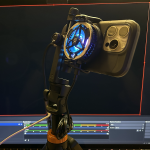
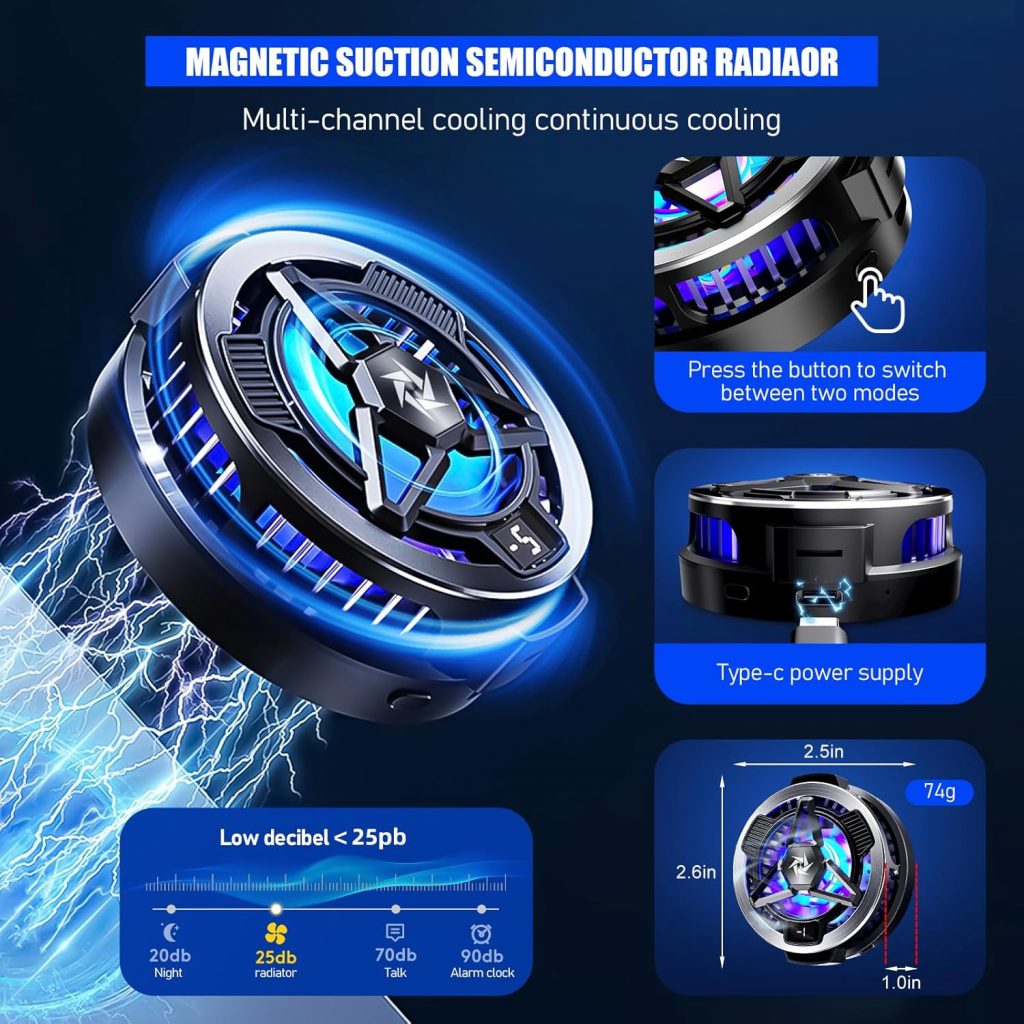
Travel/IRL backpack, cable/power management test build (I already have tested quality braided USB-C cables that can handle 100W of charging/data transfer via a 5Gbps USB-C hub with 100W passthrough charging/power delivery (to trickle charge a phone, tablet, vlogging camera, DSLR, stabilizer, etc) and power a peltier cooler).
The premise is to have an organized system (for my DSLR, tablet/laptop/devices) with secured cable management (quality braided cables that can handle both 65+W of power and USB 3.0 transfer speeds) alongside an easy way to connect everything without a mess of loose cables strewn in a backpack. USB cables can lose their reliability/become damaged that way.
Plenty of backpacks end up becoming a “blackhole” of clutter with plenty of the weight being due to extra power packs.
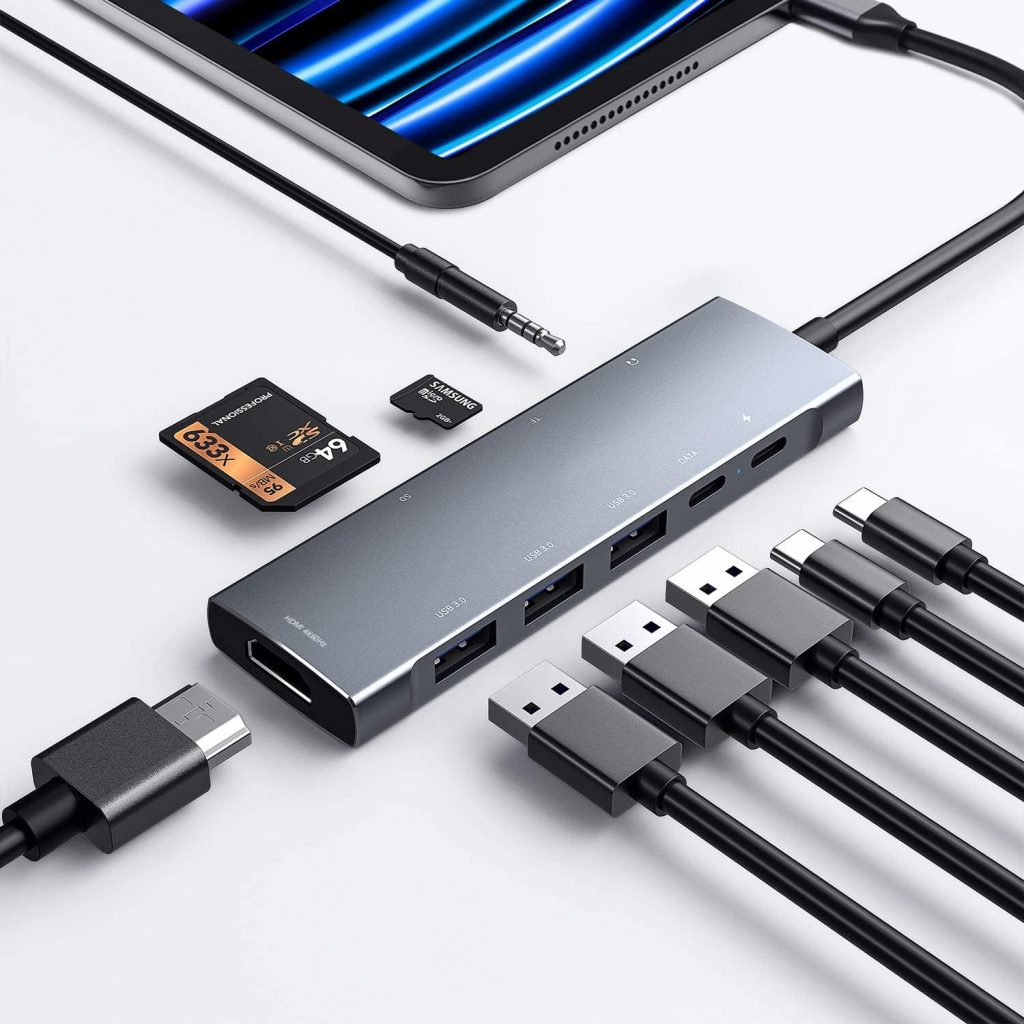
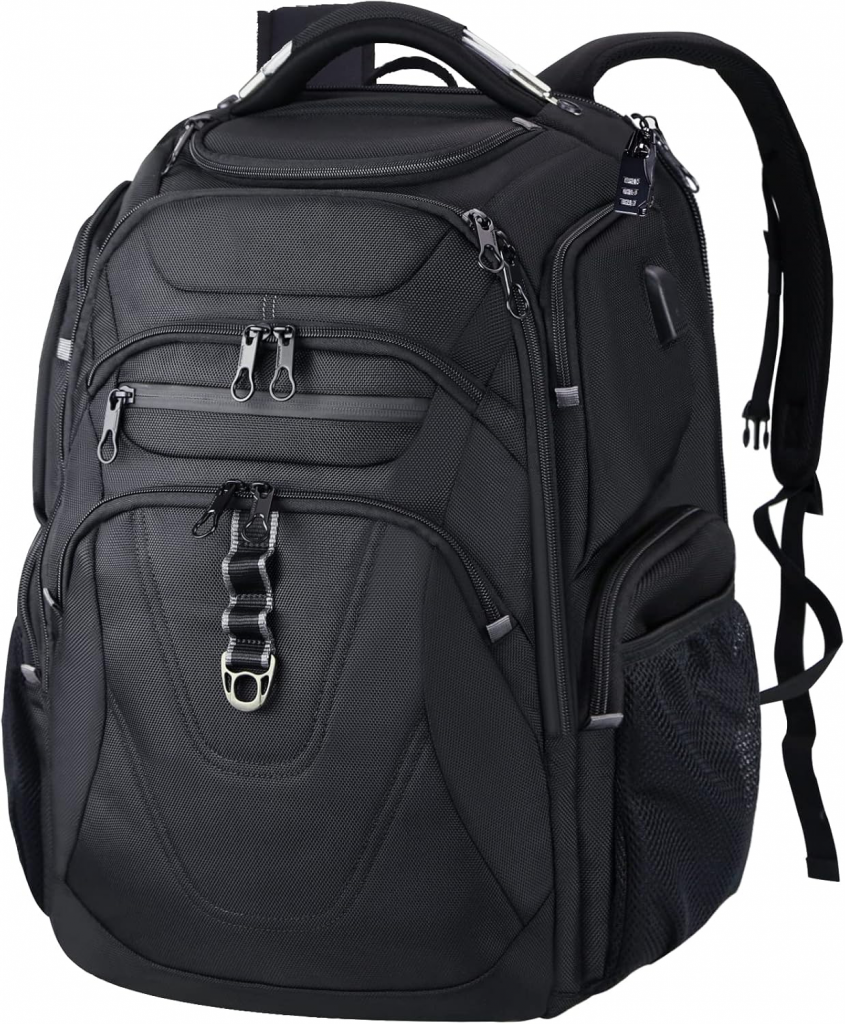
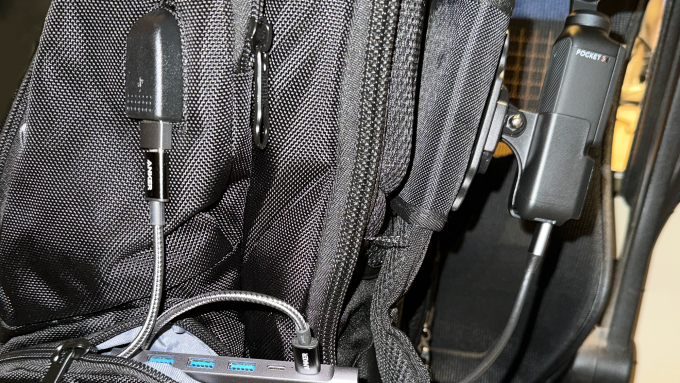
The above backpack (water resistant and has an internal RFID-shielding section) has a decent sized storage pouch for power banks and an internal connection to the external USB connector.
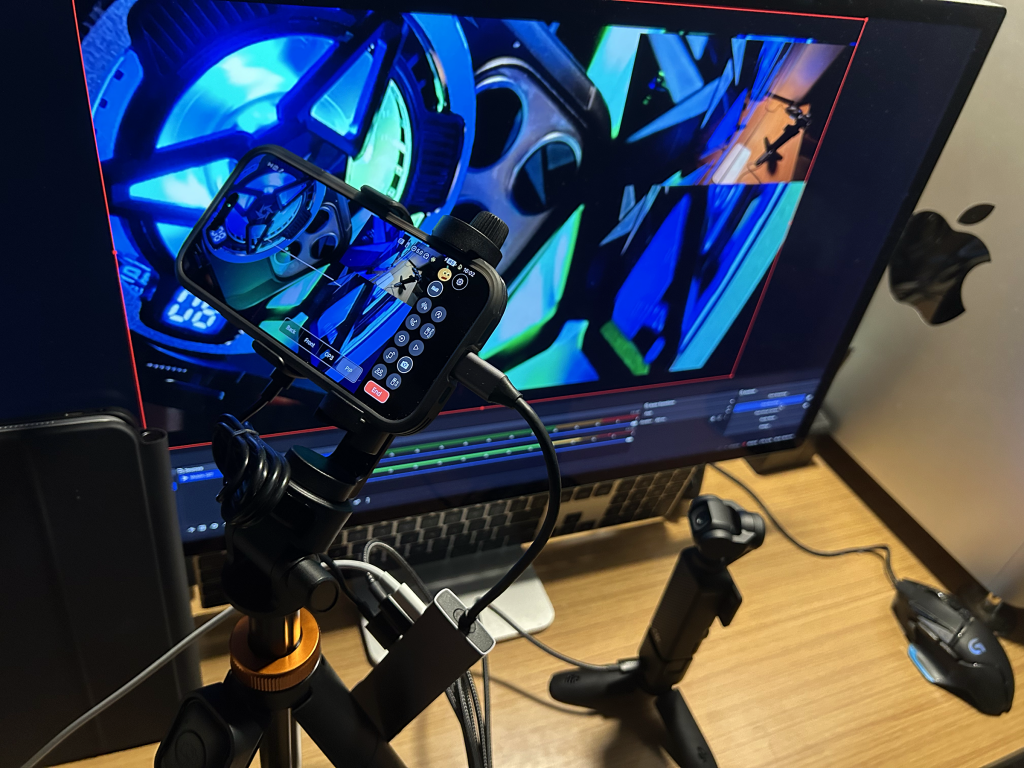
This setup (for my use case) will be for connecting a DJI Osmo Pocket 3 (4 in the future) and Action Cam (5 Pro/6) that can be continuously charged for hands-free recording to either the internal SD card and/or to external storage with a backpack strap mount. For those who do IRL live stream, it can also be used to stream to platforms like Twitch/YouTube using a wireless connection to an RTMP ingest via Moblin running on an iPhone (for higher reliability, to an encoder box or to an iPad running Moblin – the iPhone does not see these cameras while they are in webcam mode even if you get around the “insufficient power” warning).
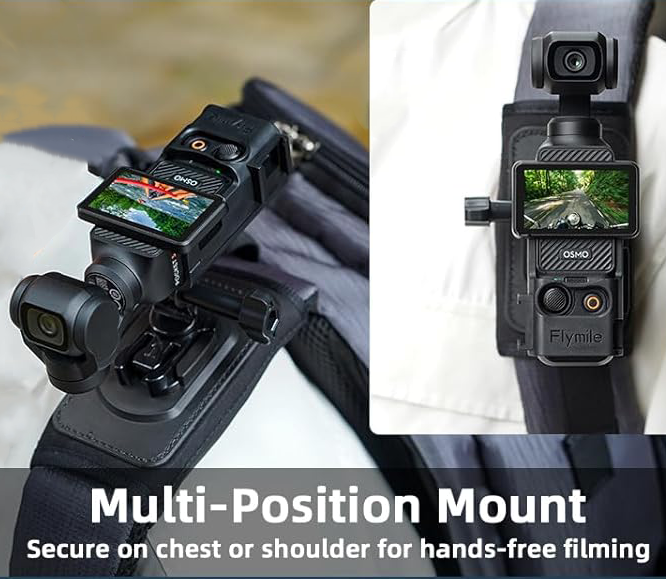
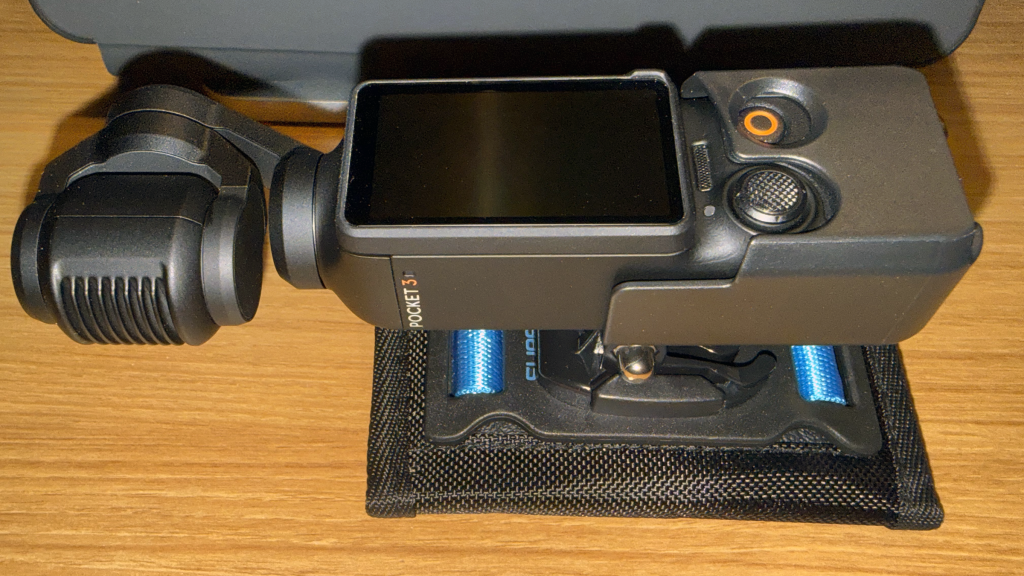
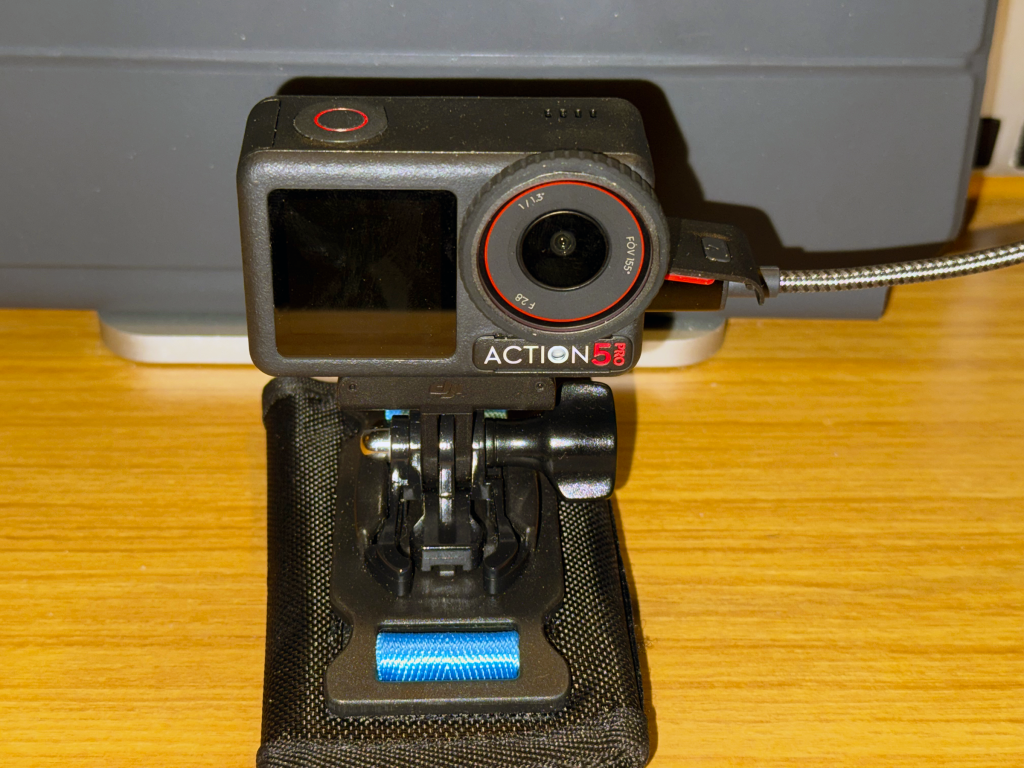
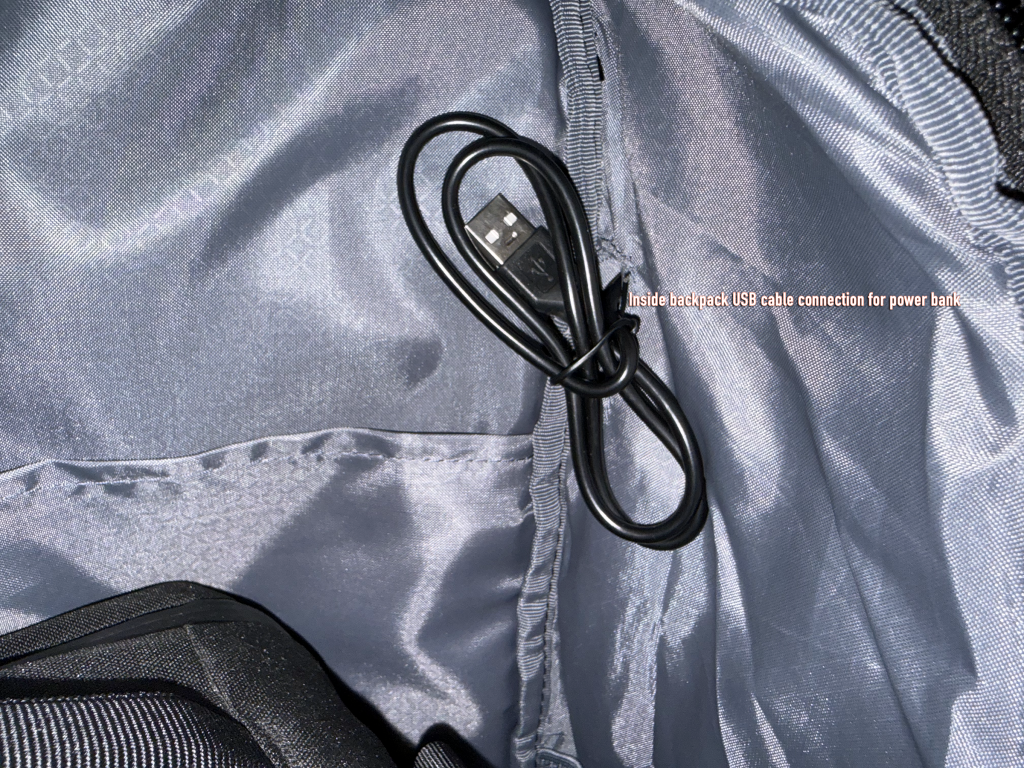
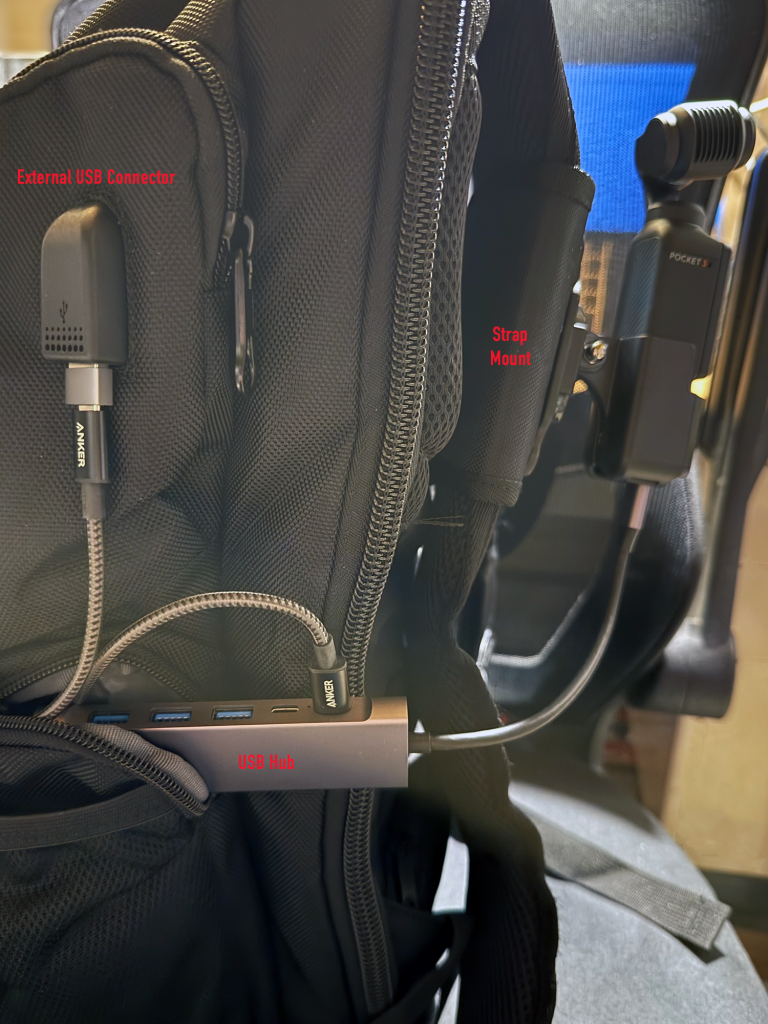
The USB hub will actually be completely inside that zippered pouch with an extension USB-C cable running from the built-in hub connector to the Pocket 3 (it is directly connected in this photo); most bags like this come with a USB-A connector/cabling that will need to replaced with an end-to-end PD compliant USB-C connection for actual power delivery purposes.
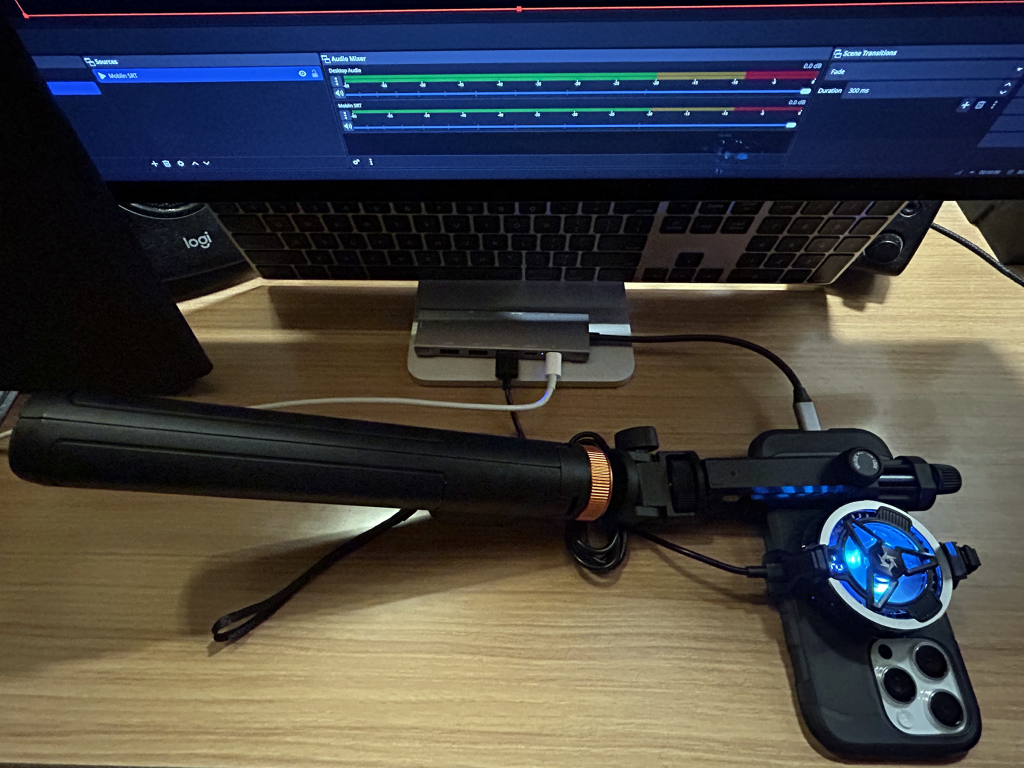
Instead of the built-in hub connector going directly into the phone, the phone will connect to the other USB-C port (the peltier cooler will be connected the same way above for its power). UPDATE: after further testing, it makes better sense to connect the Pocket 3’s/Action 5 power separately from the phone.
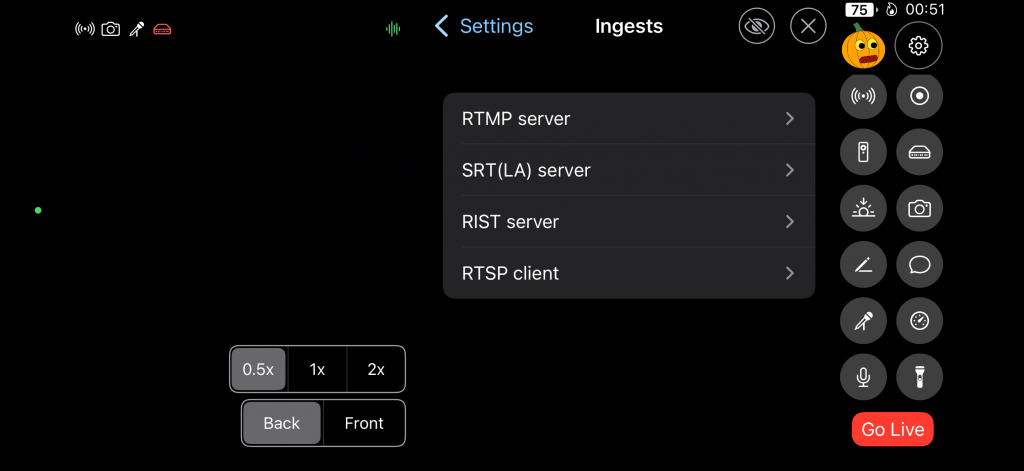
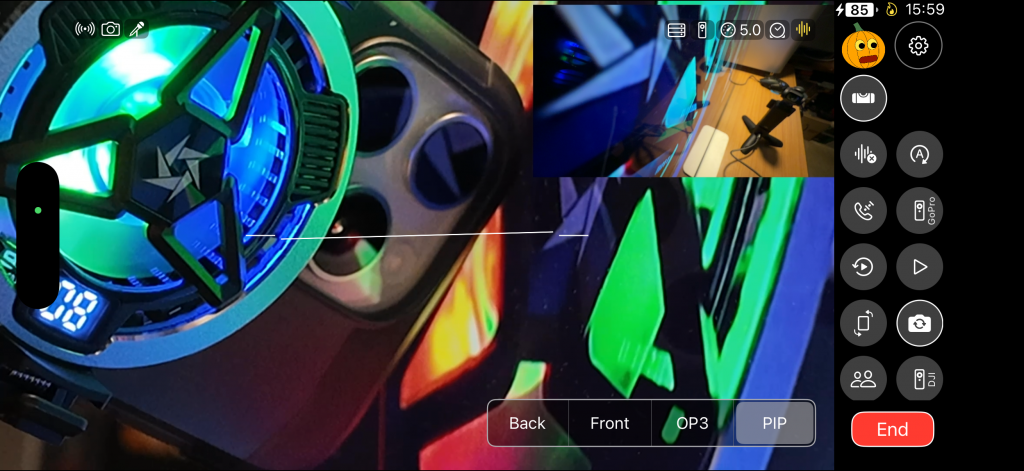
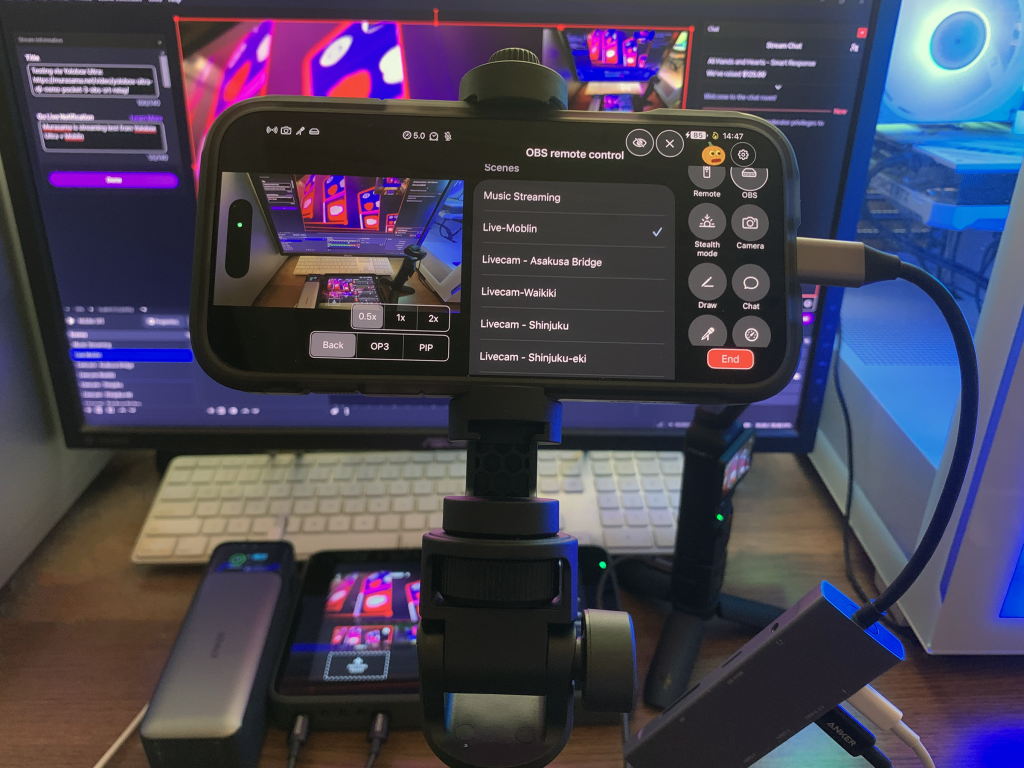
The iPhone itself can also be used for recording or streaming (multicamera scene setup) back to an OBS SRT relay. It should be noted that Moblin (iOS) supports the use of both front (inside) and rear (outside) cameras to do limited internal multicamera picture-in-picture views (this feature I believe is still in beta testing for IRL Pro on Android).
Note: This wireless part is no longer recommended but I am keeping it since it is an alternative in case all else fails as an option.
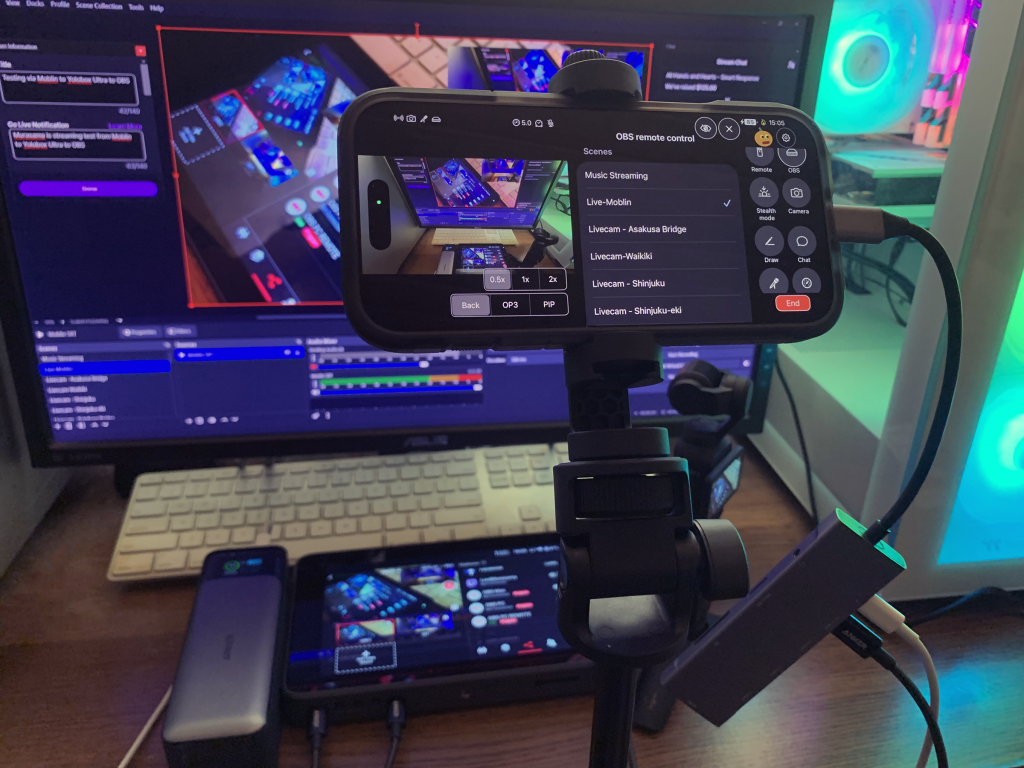
The following test has the Pocket 3 streaming back to the iPhone (Moblin’s RTMP ingest) with the iPhone’s camera as a picture-in-picture widget (the Pocket 3 is acting as the main camera) while the iPhone is streaming this scene back to OBS (SRT relay) just to simulate a 2-camera source IRL type of use case (the Pocket 3 can also be recording to it’s microSD card). In my case again, it would be a setup for recording travel videos.
Yes, the weak link in the above (local RTMP ingest) is wireless congestion/interference in areas with many devices or anything that could interfere with that wireless connection. The preferred method is a wired connection if the device(s) support it. This can’t be currently done with an iPhone since it will say “this accessory requires too much power” (using a powered USB hub only helps get past the power requirement, but the Pocket 3 does not show up as a video source in Moblin; basically an external webcam isn’t seen by iOS on the iPhone).
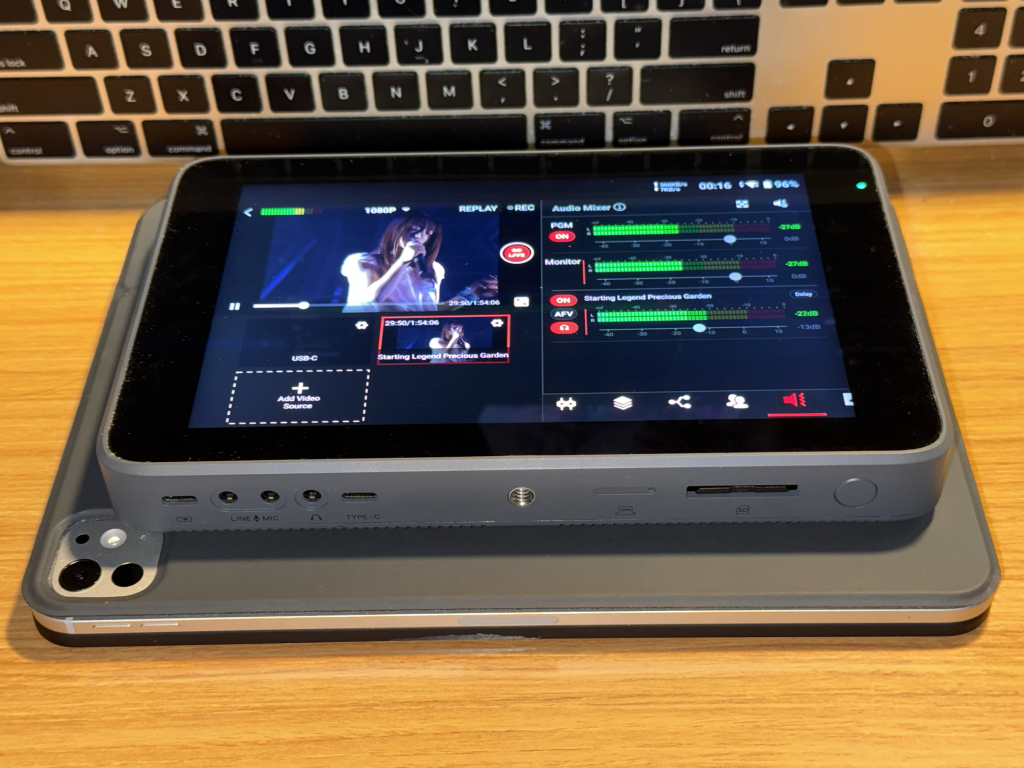
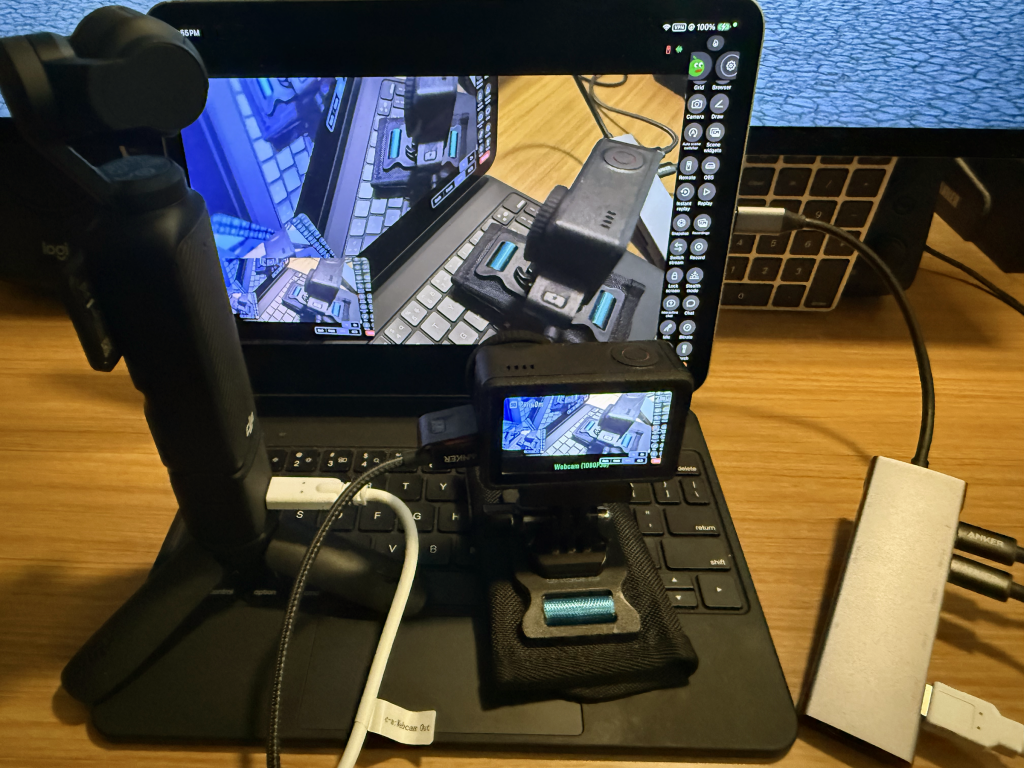
An iPad (tested on an iPad Pro M4) on the other hand does see these cameras and therefore does work directly connected via USB-C with the Pocket 3/Action 5 in webcam mode and simply requires creating a new scene in Moblin on the iPad and selecting the Pocket 3/Action 5 as the video source). Yes, both devices webcam modes does limit a lot of their broader functions (like it runs only in 1080p and much of the granular controls cannot be accessed without using the Mimo app).
However, it might make more sense at that point of going with a Mini Director/Yolobox for the sheer functionality – some of that at the end). Of course, the much cheaper/bare bones solution is setting up/running your own Belabox encoder (I’ll probably end up setting one up in the future just to have it as a documented solution) but will require an USB-C to HDMI converter solution. Yes, there are always hoops to jump through unfortunately.
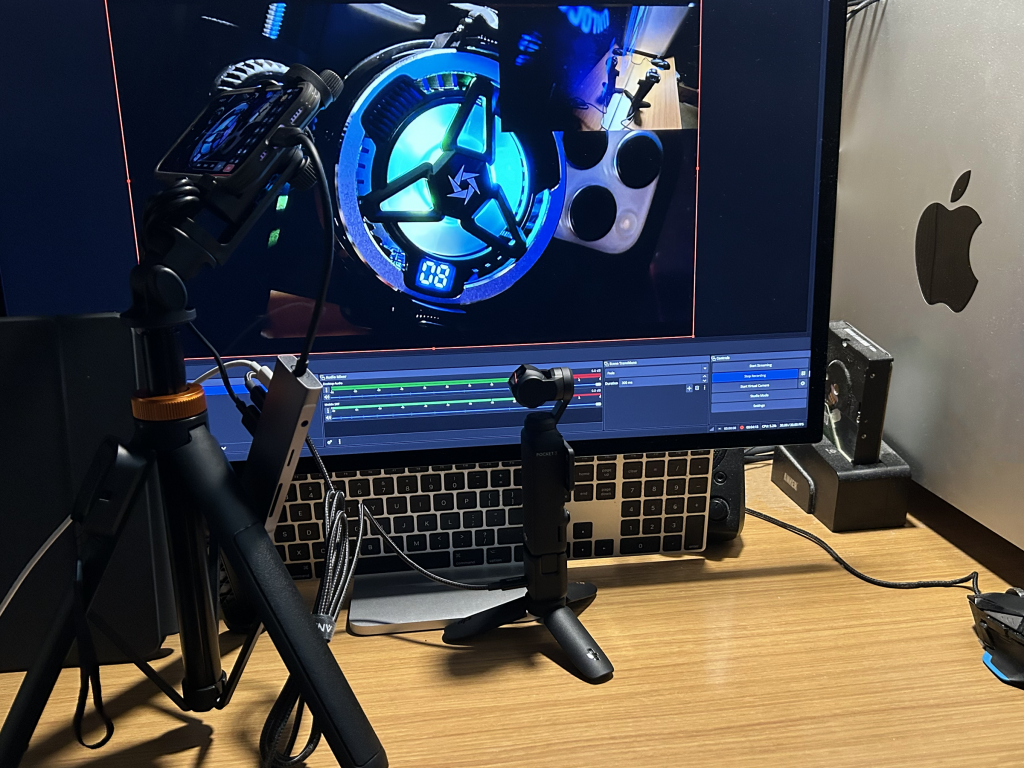
I eventually plan to get something like a Pixel (to use IRLPro and Moblink with/find out Android functionality) as well as either a Magewell Mini Director or Yolobox Ultra/Extreme (both of these can handle on-the-go live multicam production/recording as well as streaming to multiple platforms). UPDATE: I purchased a Yolobox Ultra.
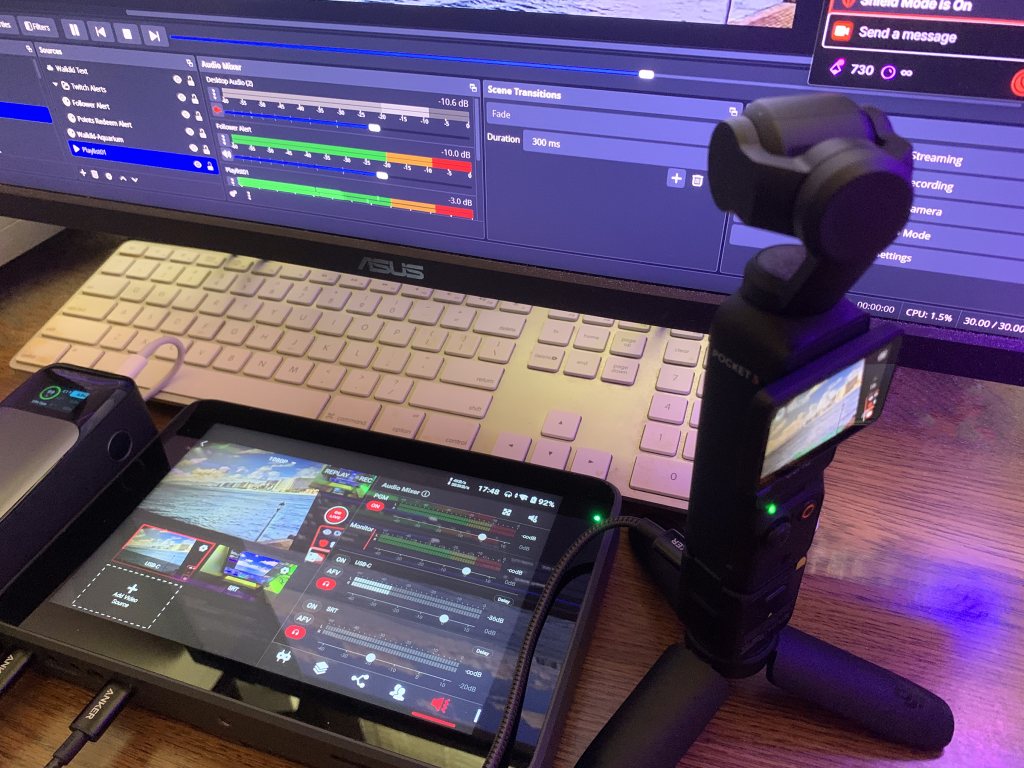
The Pocket 3 does work (wired via USB) with Yolobox (Pro/Ultra/Extreme). For the Magewell Mini Director, it also supports a wired USB connection. Note that the budget isn’t an issue for me but I realize that it is for many (thus part of this writeup is covering potential solutions).
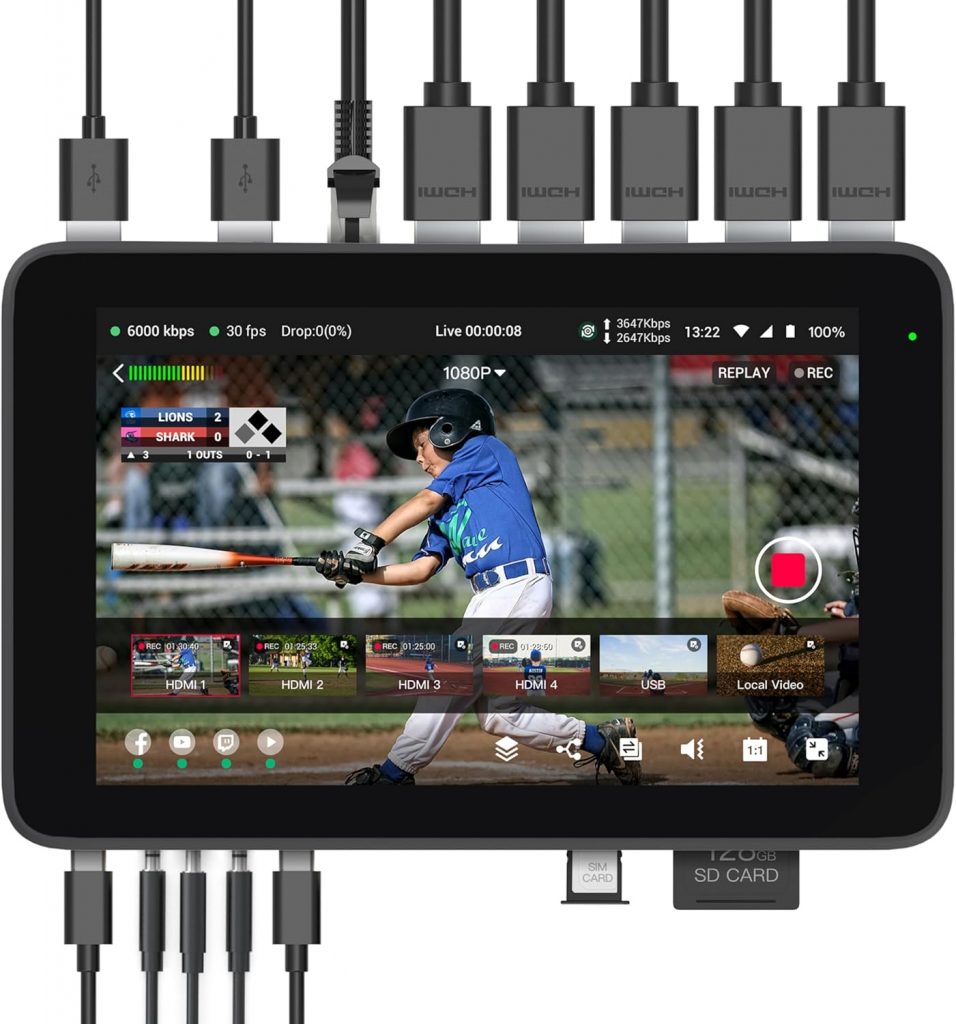
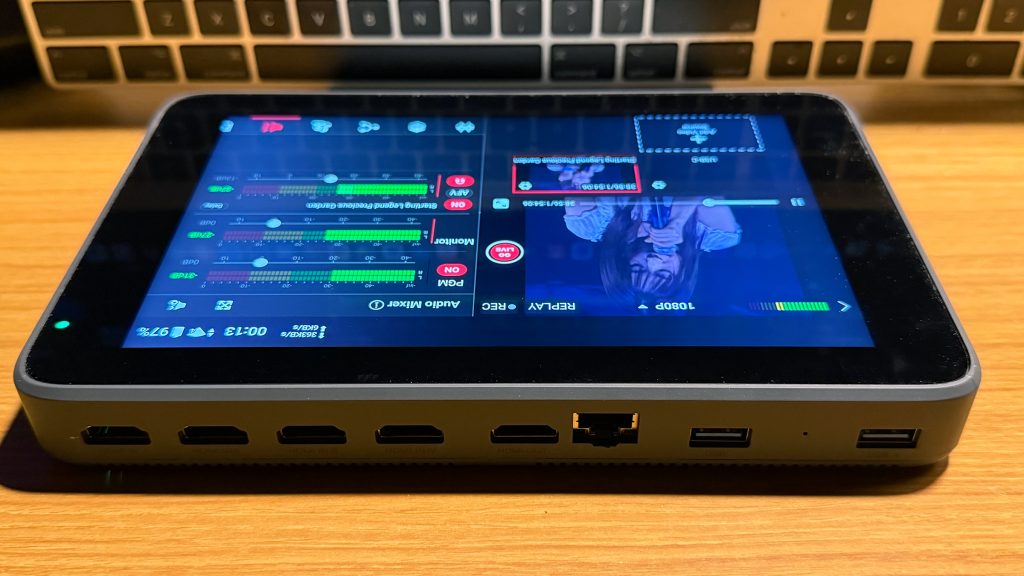
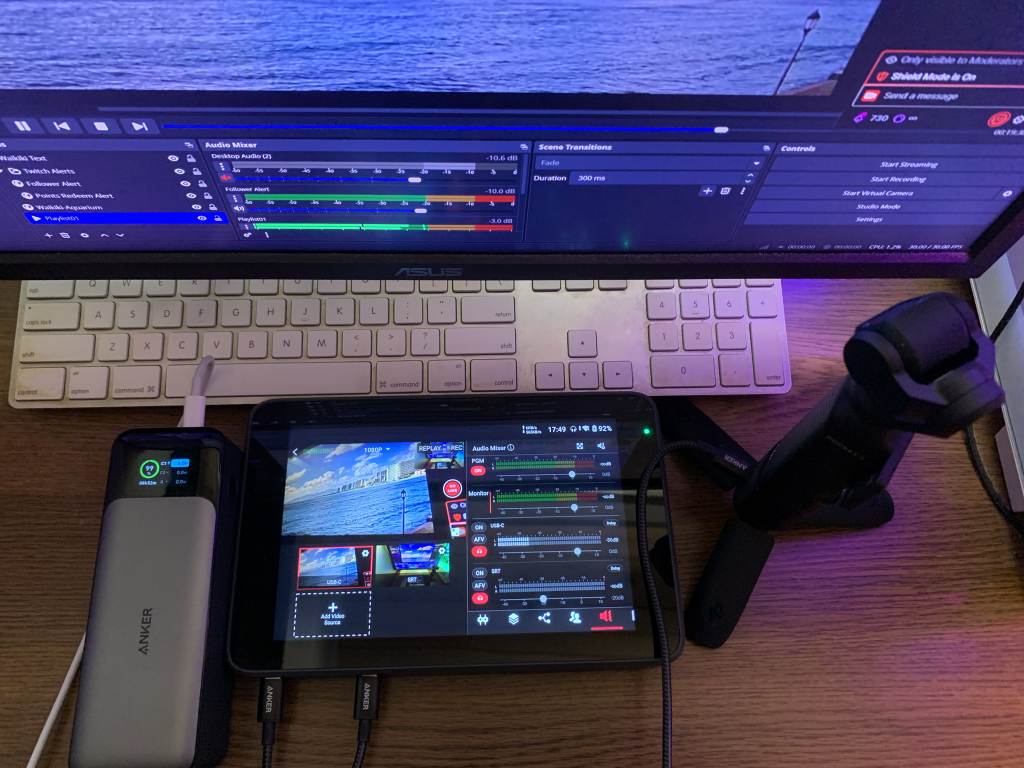
In my case, the end goal is a portable recording setup for travel (the Magewell or Yolobox [pictured above is the Yolobox Ultra] serves as both an encoder and replaces most of the functionality of the PC running OBS). Both of these tablets can also handle SIM cards and/or USB modems plus perform connection bonding, thus also replacing Belabox for those wanting to stream with one caveat; it doesn’t have an automated scene switching solution for low bit rate/disconnection issues (and likely never will except maybe as a future paid service with their YoloCast service which is currently in Beta). One could simply stream out their composite feed back to OBS (directly or via Belabox Cloud at the expense of that additional relay which means added latency and additional points of failure). Like everything else, there are pros/cons and associated tradeoffs.
This setup is definitely not for the budget conscious though (the Pro version starts at over $900 while the Extreme is nearly $2K; this Ultra is around $1.3K) and certain features like the connection bonding is a paid subscription service. The streaming portion isn’t the highest priority for me (it’s the multicam sources, production and recording).
Following is a quick test of the Yolobox Ultra with a USB connected Pocket 3 (USB-C label) that is streaming back to OBS (SRT); detailed writeup to come.
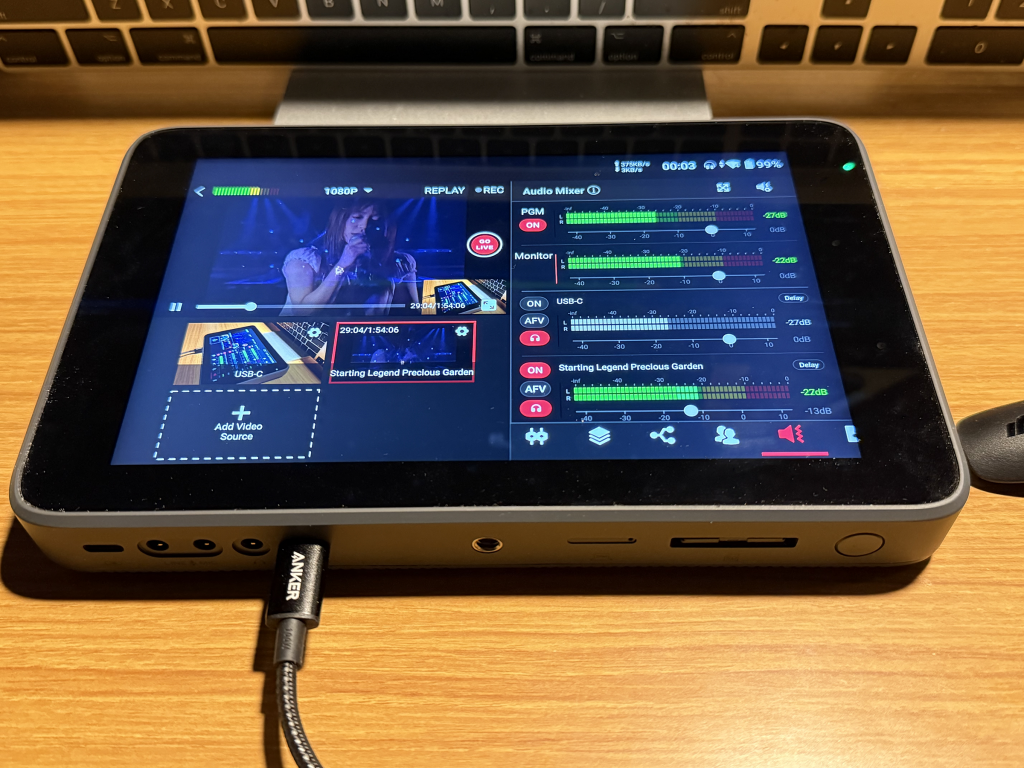
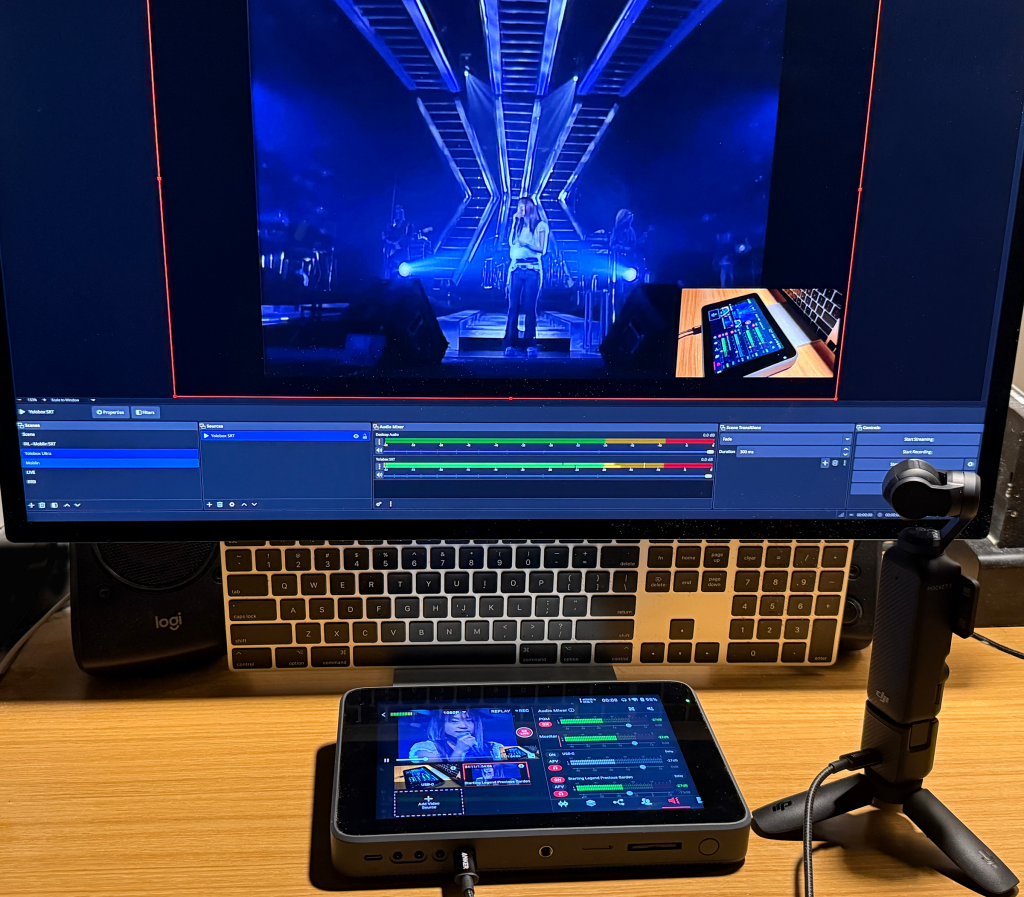
The following is setting up a picture-in-picture overlay (named OP3) where the camera source is the Pocket 3 (USB-C).
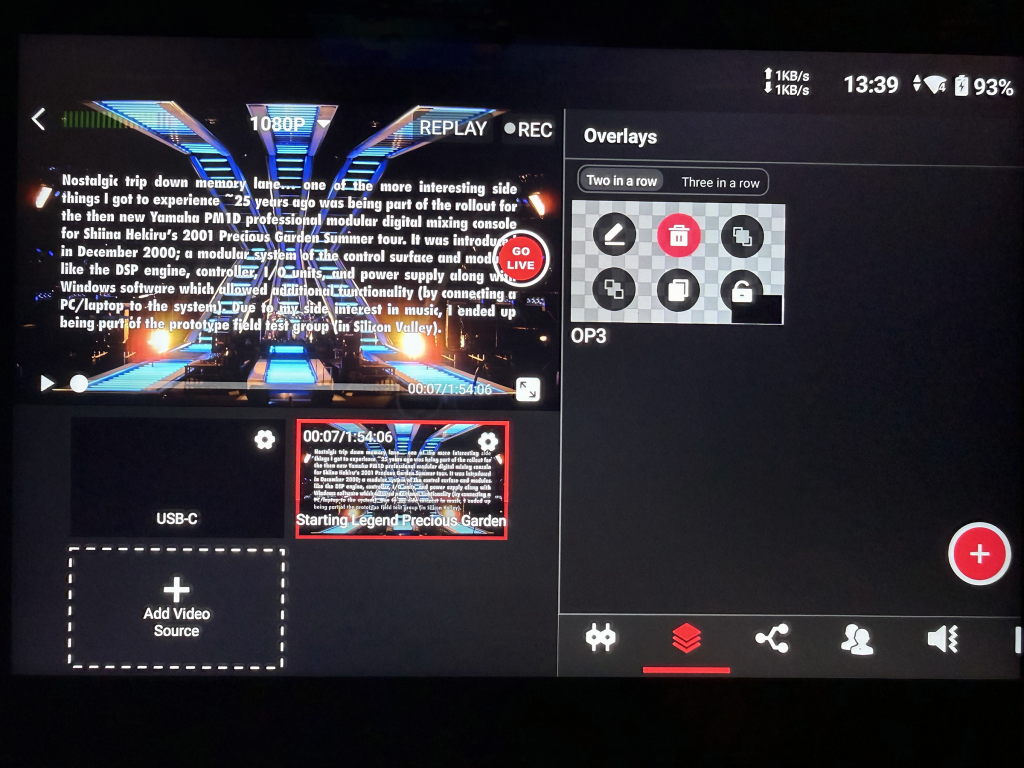
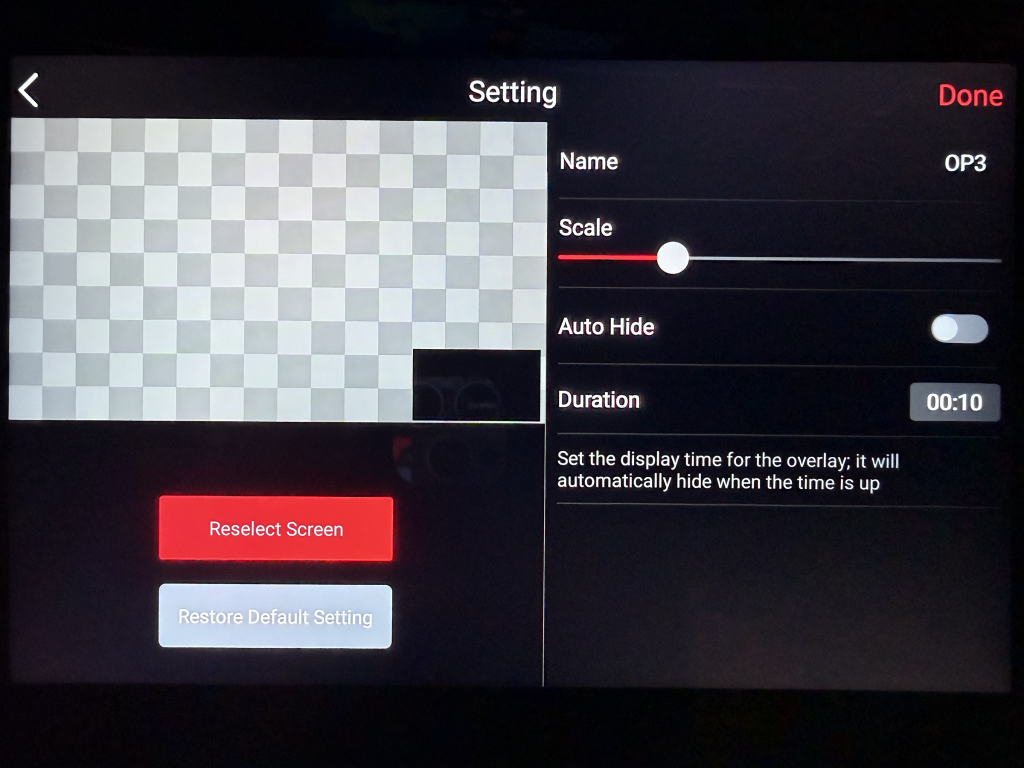
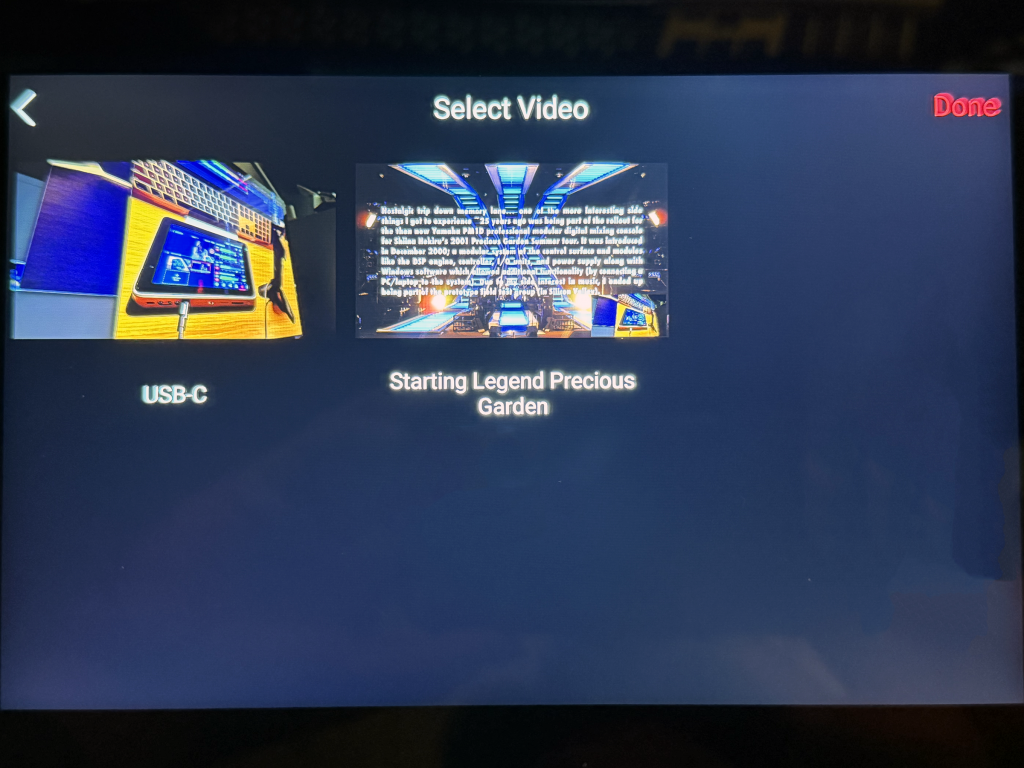
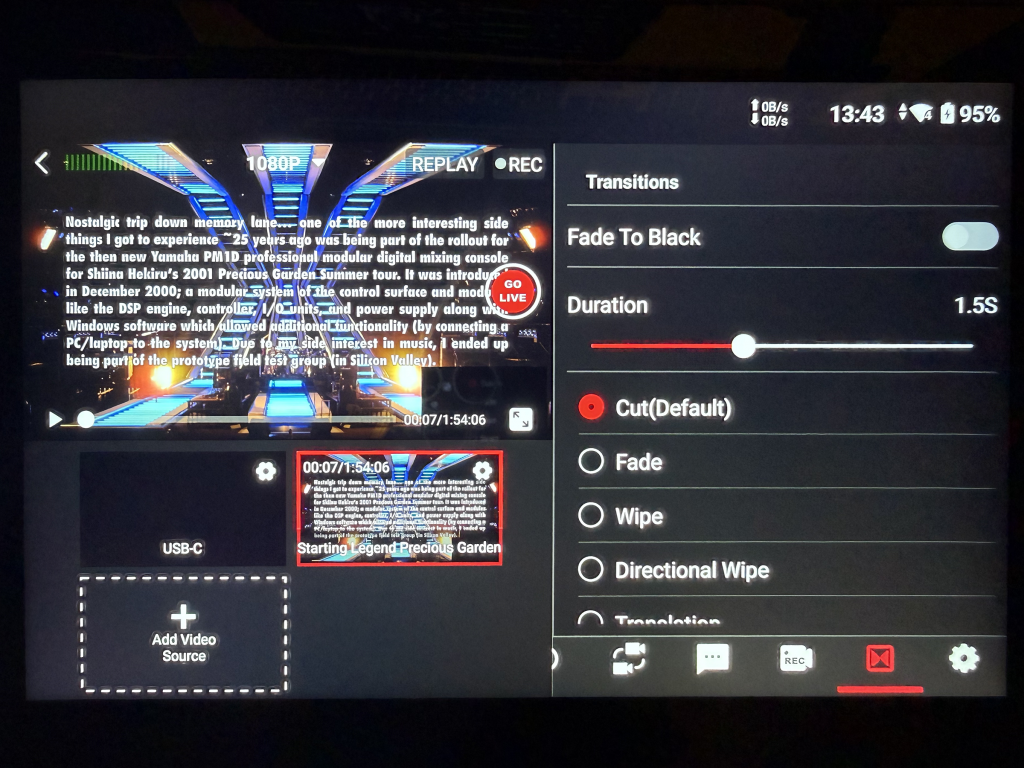
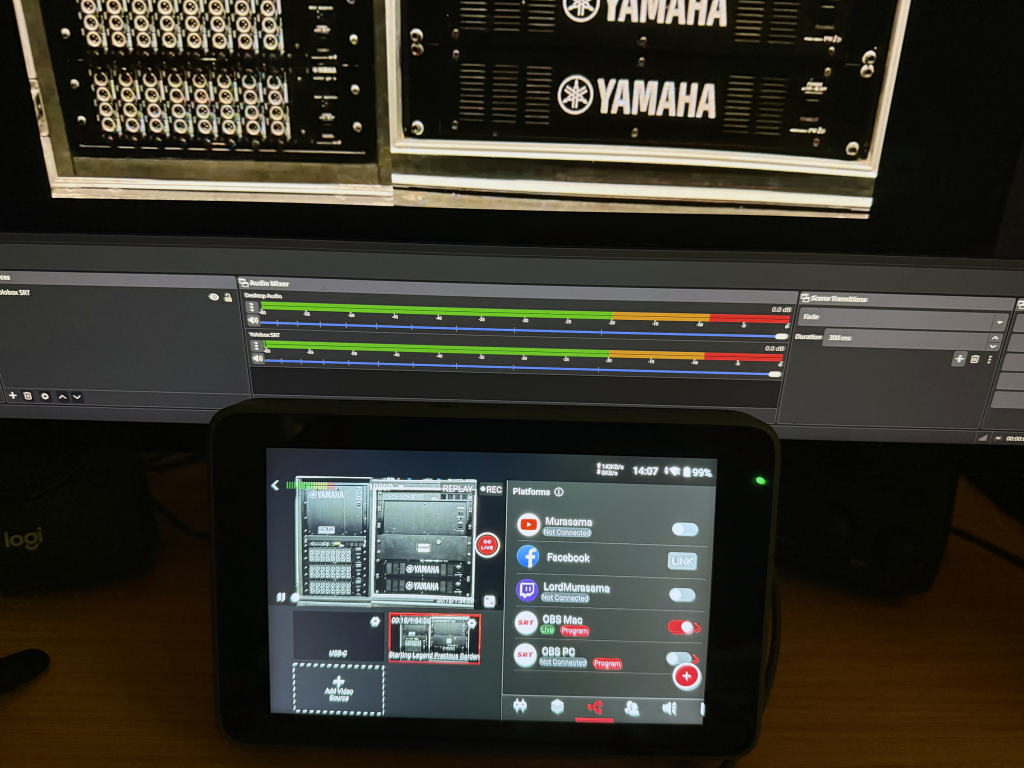
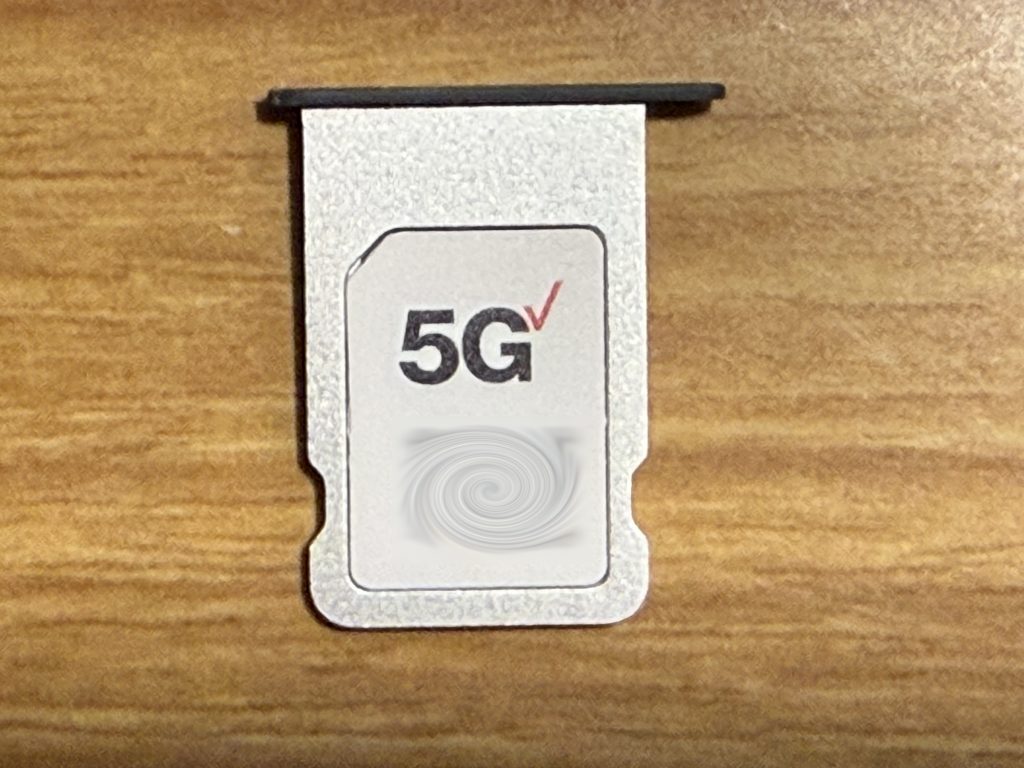
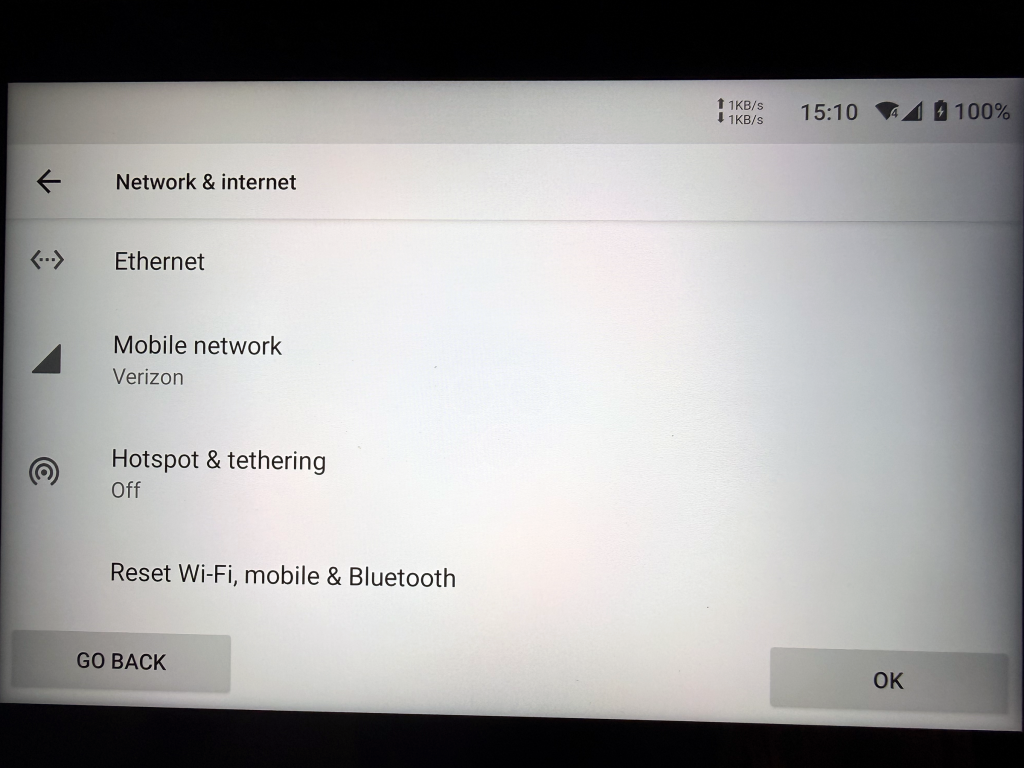
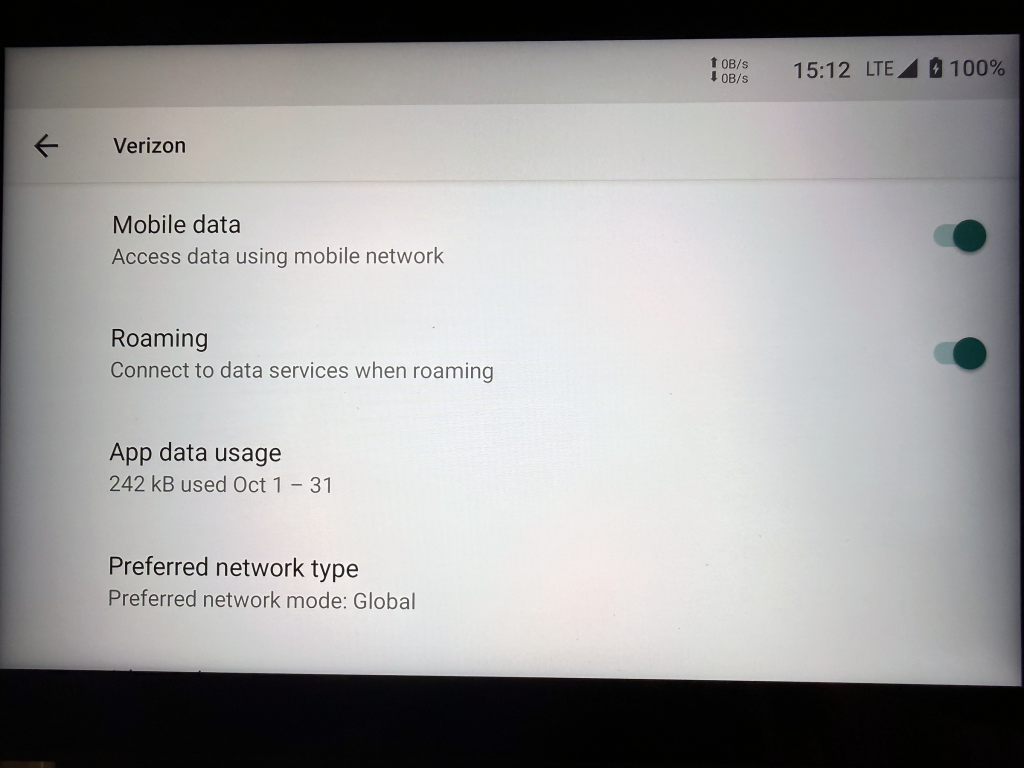
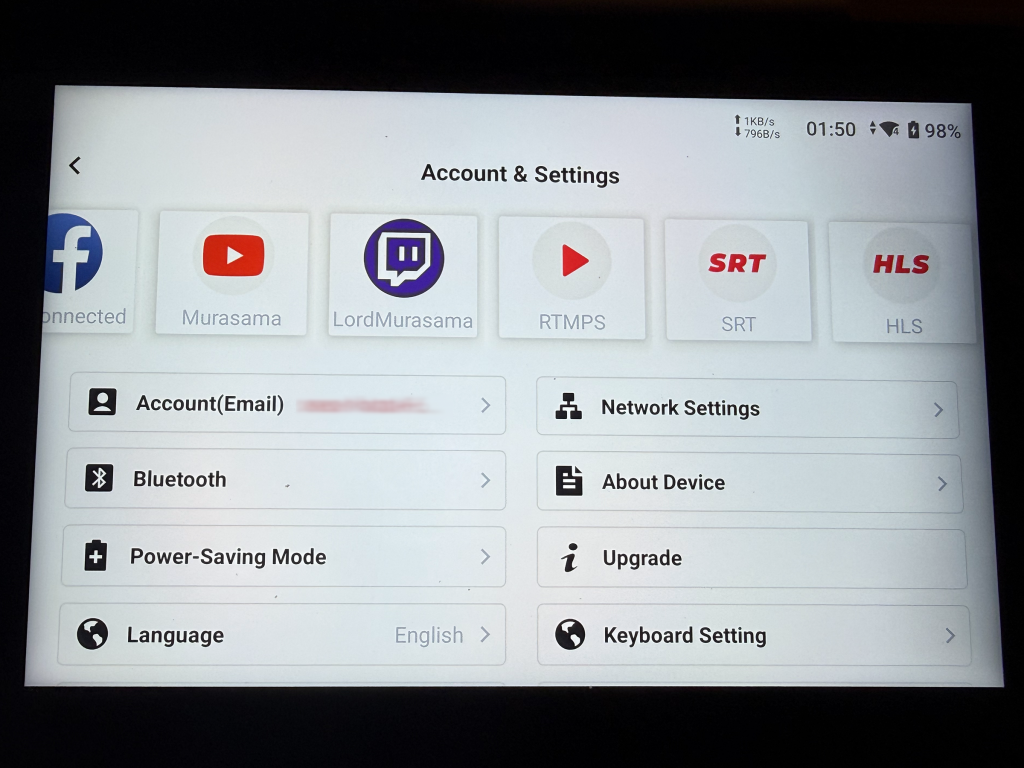
Tested the mobile network functionality using my nano-SIM from one of my older phones; works without any issues.
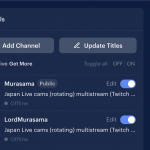
There is another feature that allows inviting guest cameras (where Yolobox can ingest those smartphone streams where they become additional camera sources). The Ultra supports 10 sources. Using the auto-switching function, the system can rotate (in whatever intervals defined) between those sources, can daisy chain multiple video sources (like a video file) in whatever order defined, or you can create an overlay incorporating those sources. It also supports NDI for broadcast quality video workflows.
And yes, web URL sources are also easy to add (thus overlays and alerts).
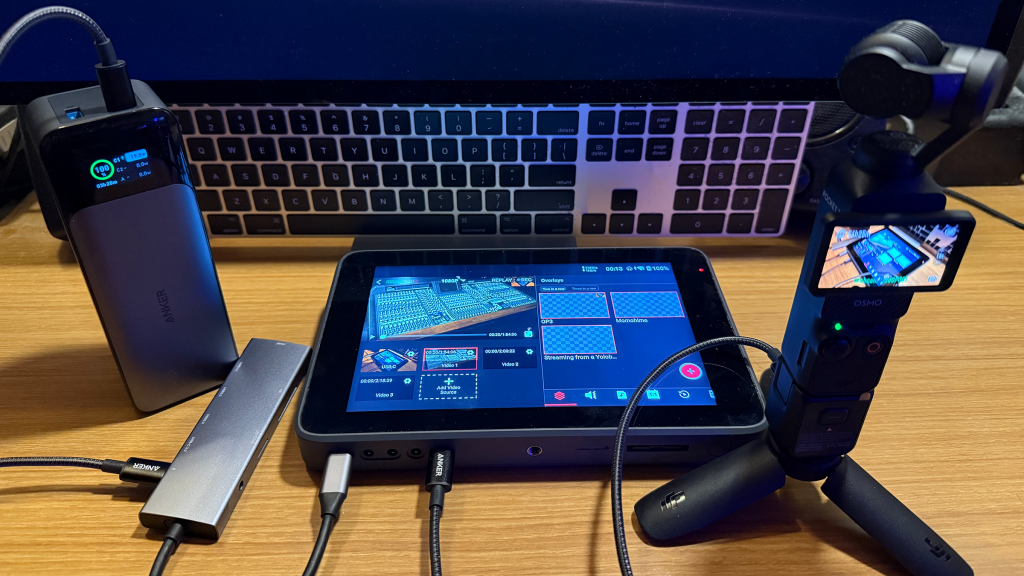
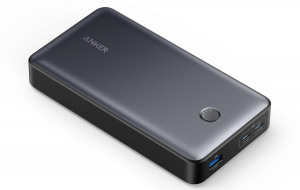
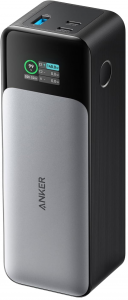
Anker 737 power bank works well for PD/power delivery with USB PD cables. The Yolobox Ultra can run for 6 hours on its internal battery; it’s pulling 16w while the connected Pocket 3 is pulling 3w. The 737 also has a trickle charge mode. Been recommending this power bank for much less demanding setups (like a smart phone/cooler setup).
Also performed a 6-hour AFK test streaming off the Ultra directly to Twitch (6000kbps/CBR/60fps) with 3 video sources (auto switching in succession) + DJI Osmo Pocket 3 directly connected (USB) pointed at the Yolobox (as picture-in-picture overlay). The 480p pro-shot sources for this test were enhanced/upscaled to 1080p60 via ML (my involvement for these shows was the Yamaha PM1D where the 2001 show had the best reproduction; if you have the sound system, crank up the volume – it’s close to the actual live sound). The higher bitrate non-streamed versions without the Yolobox PIP.
Tried something ridiculous: Moblin -> Yolobox SRT -> OBS SRT (with Loopy SRT for scene switching) -> Twitch. It worked, but the latency from multiple relays was horrendous. I will say, the functionality of this box is off the charts in terms of what it can do (for live IRL, it just lacks conection monitoring and ability to auto scene switch NOALBS/Loopy SRT style – thus why I tested sending the combined output from the Yolobox back to OBS).
For constant “on-the-go” IRL, it is probably too bulky
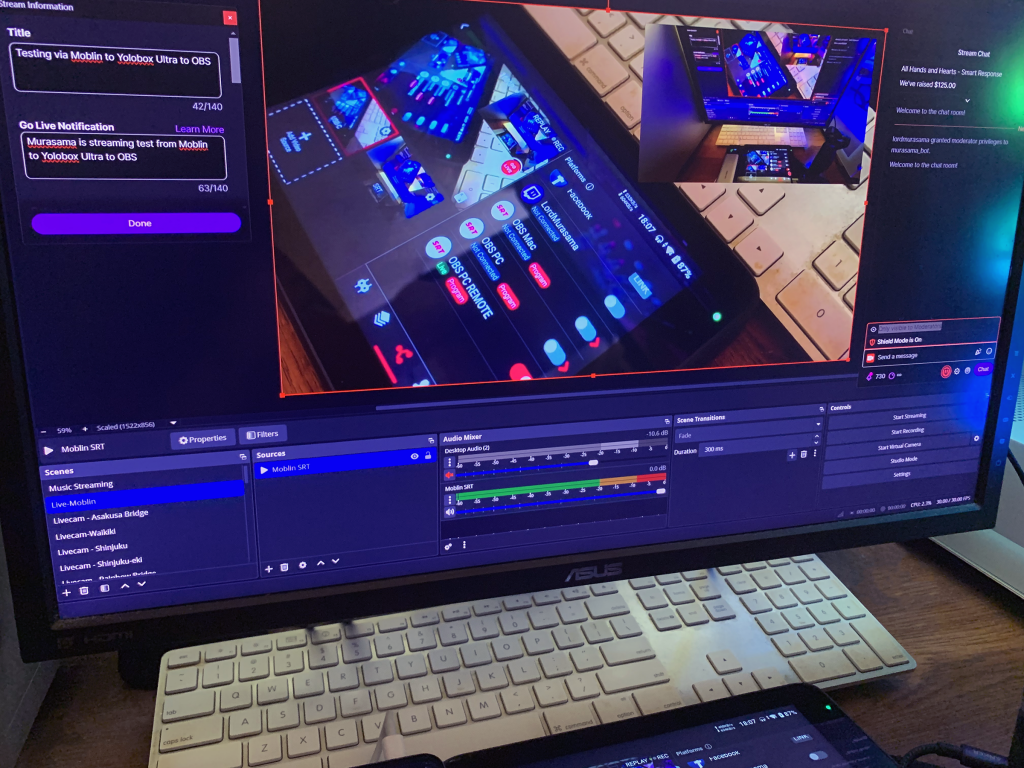
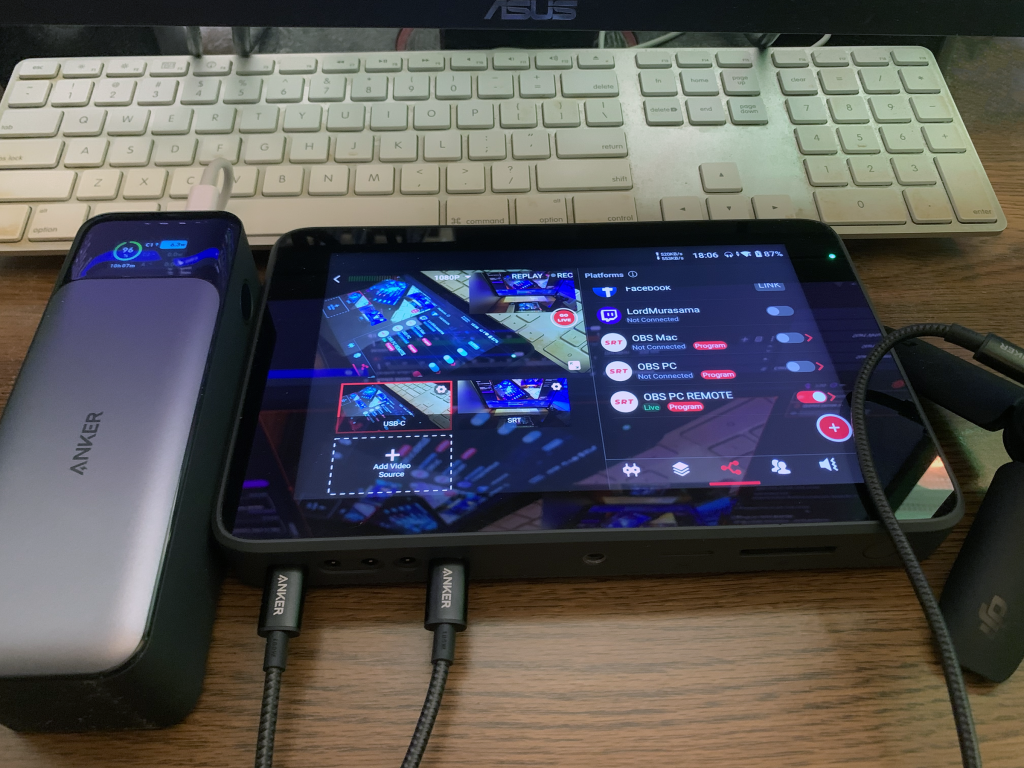
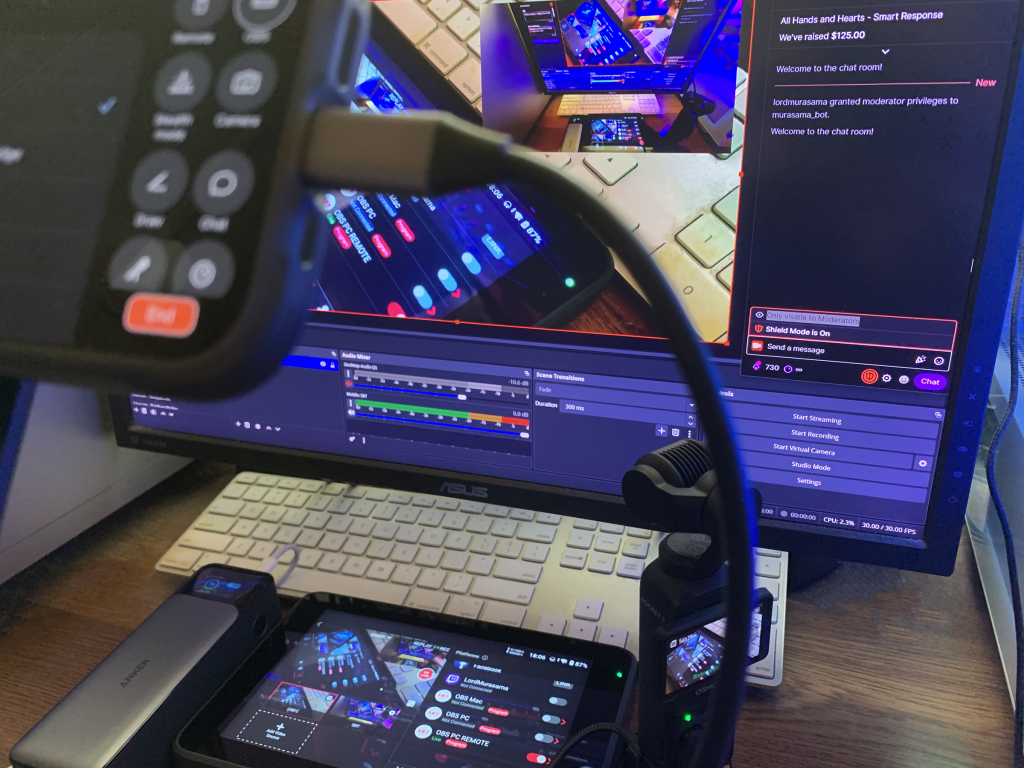
Since there is no “stats” process running to monitor the actual bitrate in this setup (it’s just SRT relay endpoints), NOALBS can’t be used for low bitrate scene switching; the connection is simply monitored for disconnects via Loopy SRT.
As mentioned earlier, wired USB-C works for the Pocket 3 and Action 5 to an iPad (for IRL, an iPad with cellular data would be required; remote production capabilities would be limited to what Moblin can do which means far less than what a Director Mini or Yolobox could do).
(to-be-continued)